




06 — Industrial Automation
PLC · HMI · SCADA · robotics
I automate physical systems — from the controller logic to the screen the operator touches.
PLCs programmed in the manufacturers' own code, HMI and SCADA that represent the plant in real time, and robotics, CNC, and sensors integrated into machines I build end to end.
Automation is the work of making a physical system run itself — reliably, observably, and under control.
I automate physical systems using PLCs — programmable logic controllers — together with HMI systems and SCADA. I do the full programming in the manufacturers' own code, Siemens and Schneider Electric among others, and I build the HMI interfaces and SCADA processes that represent those industrial systems in real time. The representation is graphical, but it is fully interactive with the physically operating equipment: what you see on the screen and what is happening in the field are the same thing.
Three layers have to agree for that to be true. The PLC holds the deterministic logic that drives the machine. The HMI gives the operator a live, interactive picture of it. SCADA supervises the whole process and acquires its data in real time. I work across all three rather than at a single layer, which is why the picture on the glass stays faithful to the plant.
I have built automated machines end to end — planning, design, assembly, and implementation. That covers the PLCs and their associated peripherals, the HMI screens, and the SCADA for real-time control and visualization. The same hand that designs the machine writes the logic that runs it.
full programming in manufacturers' code — Siemens, Schneider Electric, and others
operator interfaces that mirror the physical process, graphically and interactively
supervisory control and acquisition representing the plant in real time
planning, design, assembly, and implementation of automated machines
PLC → HMI → SCADA, drawn honestly.
The three layers
One loop: sense, decide, actuate, supervise.
The diagram is the architecture I actually build. Field sensors feed inputs to the PLC, which solves its logic on a fixed scan and drives the outputs to actuators. The HMI binds to the controller's live tags so the operator sees and touches the real state. SCADA sits above it, supervising the process and acquiring its data in real time.
Every arrow is bidirectional where it needs to be: an operator command travels down to the field, and a field state travels back up to the screen. That is what makes the graphical representation interactive rather than decorative.
- Field I/O wired to the deterministic controller
- HMI bound to live controller tags
- SCADA supervising and acquiring data across the process
Machines, not just programs.
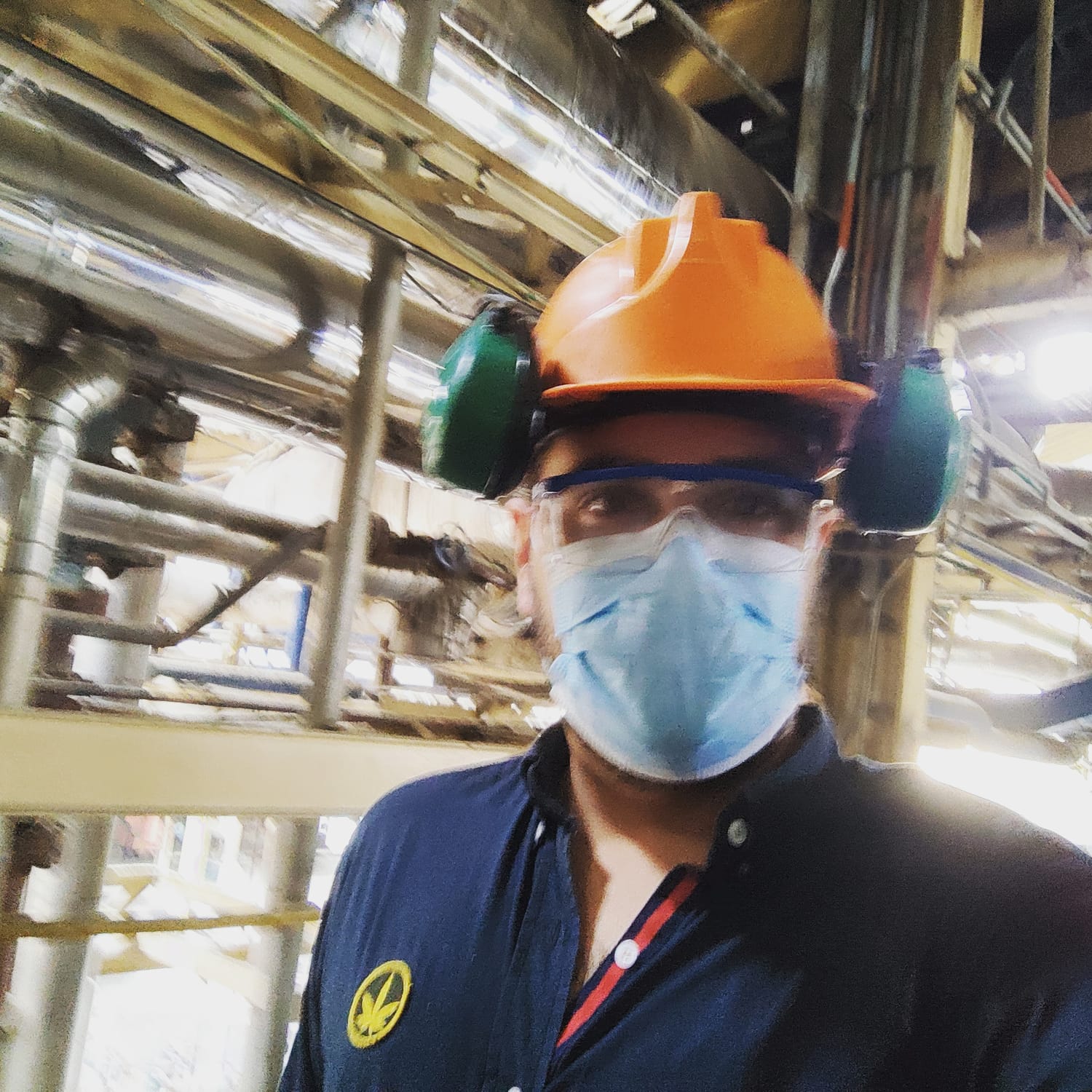
Planning · design · assembly · implementation
I have built automated machines from the first sketch to the running line.
An automated machine is more than its code. I take it through planning, design, assembly, and implementation — the PLCs and their associated peripherals, the HMI screens, and the SCADA for real-time control and visualization, all delivered as one working system.
Doing every stage myself keeps the layers consistent. The electrical design anticipates the program; the program anticipates the operator; the operator's screen anticipates the field. Nothing is lost across a handoff that never happens.
- PLCs and associated peripherals specified and wired
- HMI and SCADA for real-time control and visualization
- One system, commissioned and tuned against the real machine
How a machine comes together
- 01 Planning Process requirements, I/O count, safety category, and the control philosophy before a single wire is run.
- 02 Design Electrical schematics, panel layout, mechanical envelope, and the PLC program architecture.
- 03 Assembly Panel build, field wiring, sensor and actuator mounting, power and signal separation.
- 04 Implementation PLC program, HMI screens, SCADA tags, commissioning, and tuning against the running machine.
Where the work actually lives.
Programming controllers in the manufacturer's own code.
I program PLCs directly in the manufacturers' environments — Siemens and Schneider Electric among others — rather than through a translation layer. That means working in the languages and tooling each vendor ships, so the logic on the controller matches the way that platform actually executes it.
The controller is the deterministic core: it scans inputs, solves the logic, and drives outputs on a fixed cycle. I write that logic around the physical process — interlocks, sequencing, timers, and safety states — so the machine behaves predictably under both normal operation and fault conditions.
- Ladder logic, function blocks, and structured sequences mapped to real I/O
- Interlocks and safety states defined before convenience features
- Deterministic scan behavior treated as a design constraint, not an afterthought
Interfaces that represent the system in real time.
On top of the controller I build the HMI: the operator-facing screens that represent the industrial system graphically, yet remain fully interactive with the physically operating equipment. An operator touches a valve on the screen and the valve in the field responds; a sensor in the field changes a reading and the screen reflects it.
SCADA extends that view upward — supervisory control and data acquisition across the whole process, in real time. The point of both layers is the same: the picture on the glass is a faithful, live model of the plant, not a static diagram.
- HMI screens bound directly to live controller tags
- SCADA representing the full process graphically and interactively in real time
- Alarms, trends, and states surfaced where the operator can act on them
Robotics specialized in automation.
My robotics work is specialized in automation: motion and sensing brought together to do real work on a line. That spans LiDAR sensors and many other sensor types, down to microelectronic sensors and systems for robotics and micro-robotics.
I apply the same sensor-and-control stack to two different worlds — industrial processes and biomedical systems — because the underlying problem is the same: read the physical state accurately, decide, and actuate.
- LiDAR and a broad range of sensor types integrated into the control loop
- Microelectronic sensors and systems for robotics and micro-robotics
- The same approach applied to industrial processes and biomedical systems
Computerized numerical control.
CNC sits inside the same automation practice: computerized numerical control of machine motion, programmed and integrated rather than treated as a standalone box.
Coupled with the design tools below, it closes the loop from a modeled part to a machined one — the geometry I design becomes toolpaths the machine executes.
- Computerized numerical control of machine motion
- Integrated with the wider PLC, HMI, and SCADA environment
- Driven from designs authored in the same hand
Sensing and motion, integrated.
Robotics · sensors · micro-robotics
A sensor-and-control stack that reads the world and acts on it.
My robotics work is specialized in automation, and it runs on a layered stack: perception at the bottom, control in the middle, motion at the top. LiDAR and a wide range of sensor types feed the perception layer; microelectronic sensors and systems extend it down to robotics and micro-robotics.
The same stack serves two domains. In industrial processes it positions, inspects, and actuates. In biomedical systems it senses and responds at a much smaller scale. The diagram below is how I think about it from the field upward.
- LiDAR and many sensor types in the perception layer
- Microelectronic systems reaching micro-robotic scale
- CNC and robotic motion driven by the control layer
The picture on the glass is a live model of the plant — touch a valve on the screen and the valve in the field responds.
What I program, build, and integrate.
Siemens
Full programming in the Siemens environment — controller logic in the manufacturer's own code.
Schneider Electric
Full programming in the Schneider Electric environment, alongside other manufacturers.
HMI engineering
Operator interfaces that represent the system graphically while staying interactive with the live equipment.
SCADA
Supervisory control and data acquisition representing the industrial process in real time.
LiDAR & sensors
LiDAR and many sensor types integrated into closed-loop control.
Micro-robotics
Microelectronic sensors and systems for robotics and micro-robotics.
CNC
Computerized numerical control programmed and integrated into the machine.
Machine building
Automated machines built end to end — planning, design, assembly, implementation.
Industrial design
Hardware devices, machinery, and full industrial plants modeled before they are built.
Automation stack at a glance
- Controllers
- PLCs — Siemens, Schneider Electric, and others
- Operator layer
- HMI bound to live controller tags
- Supervisory layer
- SCADA — real-time, graphical, interactive
- Motion
- CNC + robotics specialized in automation
- Sensing
- LiDAR, microelectronic sensors, micro-robotics
- Design tools
- SolidWorks · Fusion 360 · Blender · Maya
- Delivery
- Planning → design → assembly → implementation
- Domains
- Industrial processes and biomedical systems
Industrial design as part of the technology.
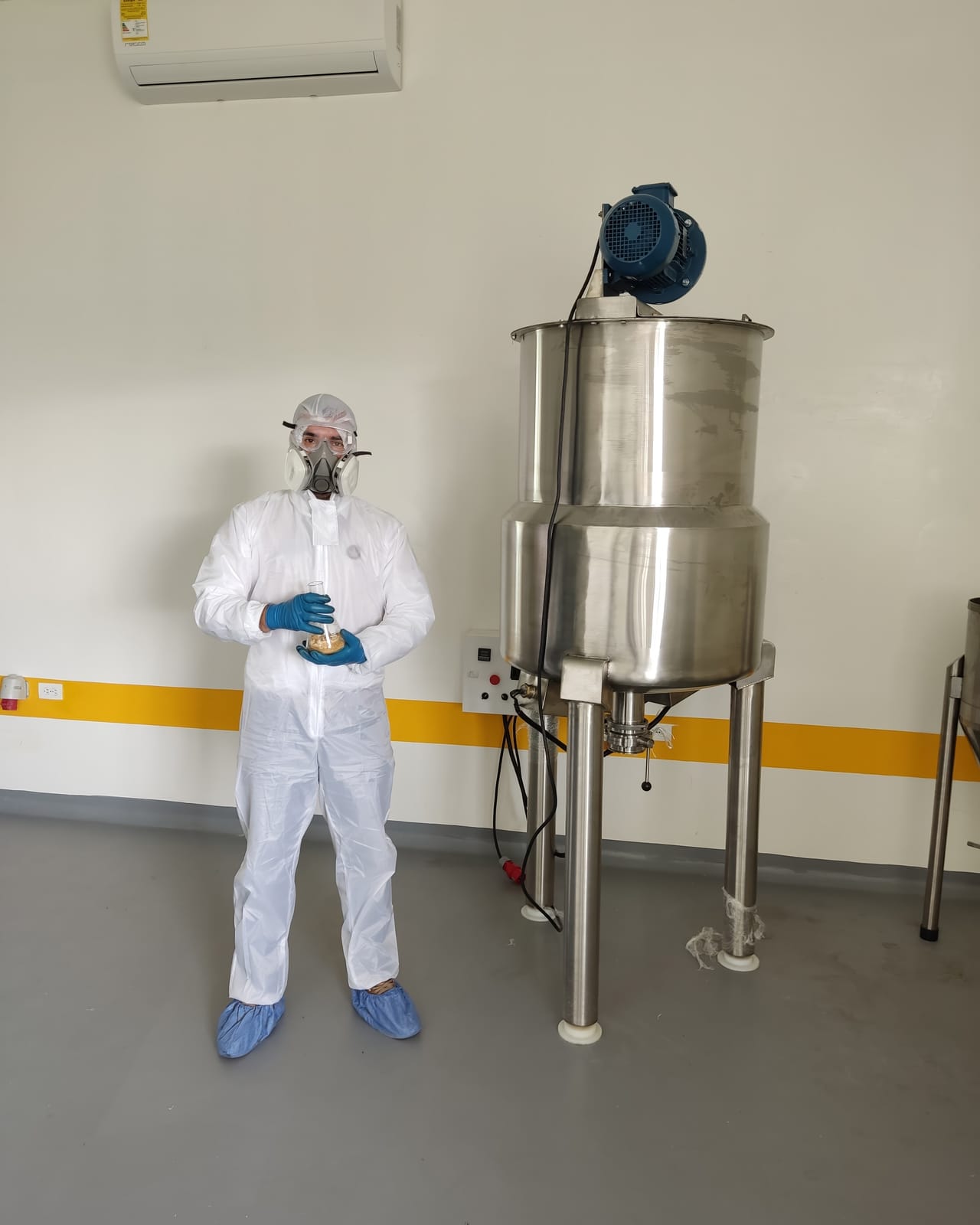
SolidWorks · Fusion 360 · Blender · Maya
I design the hardware, the machinery, and the plant itself.
Industrial and product design is integral to this work, not a separate service. I design hardware devices, machinery, and full industrial plants in SolidWorks and Fusion 360 by Autodesk, and I use Blender and Maya where modeling and visualization call for them.
Design fluency is what lets the automation be advanced. A part modeled in SolidWorks becomes geometry the CNC can cut; a plant laid out in CAD becomes the envelope the PLC, HMI, and SCADA control. The model and the machine are authored by the same hand, so the two never drift apart.
- SolidWorks and Fusion 360 (Autodesk) for hardware and machinery
- Blender and Maya for modeling and visualization
- Designs for hardware devices, machinery, and full industrial plants
The scan cycle is the contract.
Determinism, by design
Why I treat the scan as a fixed cycle, not a loop that happens to repeat.
A PLC does not run code the way a general-purpose computer does. It reads every input into an image, solves the whole program against that frozen image, then writes the outputs in one pass — and repeats. Treating that cycle as a contract is what makes the machine predictable: the logic always sees a consistent snapshot, and outputs only change at well-defined moments.
I write Siemens and Schneider Electric logic to live inside that contract. Interlocks and safe states are resolved first, scan time is kept bounded, and nothing in the program assumes an input can change halfway through evaluation. The diagram is the cycle I program against.
- Inputs sampled into a frozen image before logic runs
- Interlocks and safe states solved first, every scan
- Scan time kept bounded so timing stays observable
One pass of the scan
- 01 Read inputs The controller samples every physical input — sensors, switches, field signals — into an image of the process at the start of the cycle.
- 02 Solve logic It evaluates the program against that input image: interlocks first, then sequencing, timers, and the convenience logic on top.
- 03 Write outputs It drives the output image to the actuators in one pass, so the physical state changes deterministically rather than mid-evaluation.
- 04 Housekeeping Diagnostics, communications, and watchdog checks run before the cycle repeats, keeping the scan time bounded and observable.
Field to supervisor, layer by layer.
Field → PLC → HMI → supervisory
A SCADA system is a stack of agreements between layers.
Real-time supervision only works if each layer keeps its own responsibility. The field carries the physical state, the PLC decides deterministically, the HMI gives the operator a live interactive view, and the supervisory layer aggregates and acquires across the whole process. I build them so that each can fail without taking the layer below it down.
The diagram is the architecture I deploy: signals rise from the field through the controller to the operator and supervisor, and commands travel back down the same path — through the controller, never around it.
- Each layer owns one responsibility and one source of truth
- Commands routed down through the controller, not around it
- Supervisory link can drop without losing local control
Where the physical state actually lives.
The field layer is the instrumentation that touches the process — sensors, transmitters, drives, and the actuators that move valves, motors, and cylinders. Everything above it is only as accurate as the signals it reads here.
I treat signal conditioning, power and signal separation, and grounding as part of the design rather than as an afterthought, because a noisy 4-20 mA loop or a floating reference becomes a phantom fault three layers up.
- Sensors and transmitters wired to conditioned, referenced inputs
- Drives and actuators sized to the mechanical load they move
- Signal integrity treated as a design constraint at the source
The deterministic core that decides.
The PLC sits between field and supervisor. It holds the deterministic logic, runs the safety states, and exposes its internal state as tags. This is the layer that keeps the machine safe when communications above it drop.
I keep the safety and interlock logic independent of the convenience and supervisory features, so that losing the SCADA link degrades visibility without degrading control. The machine stays safe on its own.
- Interlocks and safe states resolved locally, not over the network
- Controller tags as the single source of truth for every layer
- Graceful degradation when supervisory links are lost
Real-time supervision and acquisition.
SCADA aggregates the controllers into one live model of the process. It supervises, trends, alarms, and acquires data in real time — the operator and the engineer read the plant from the same picture.
The supervisory layer is read-mostly by design: it observes everything and commands deliberately, through the controller, so the deterministic core stays in charge of the physics.
- Real-time acquisition aggregated across controllers
- Alarms, trends, and historical data surfaced for operators and engineers
- Commands routed through the controller, never around it
CNC closes the loop from CAD to cut part.
Geometry → toolpath → G-code → axes
The geometry I model becomes the path the machine cuts.
CNC is not a standalone box in this practice; it is the far end of the design chain. A part modeled as solid geometry becomes a CAM toolpath, the toolpath is posted to controller-specific G-code, and the controller coordinates the axes to follow it. Because I author both ends, the cut part matches the model.
The diagram shows the three linear axes and the spindle following a toolpath. Coordinating those axes against feeds, speeds, and the tool list is the same kind of deterministic motion control as the rest of the automation stack — just expressed as geometry.
- Solid geometry posted to controller-specific motion
- Feeds, speeds, and tool list carried from CAM to controller
- The modeled part and the machined part authored by one hand
CAD to machined part
- 01 Model The part is authored as solid geometry in CAD — the same model that defines the physical envelope.
- 02 Toolpath CAM turns that geometry into toolpaths: cut order, stepover, feeds and speeds, and the tool list.
- 03 Post A post-processor emits the controller-specific G-code so the path matches how that machine actually moves.
- 04 Machine The controller coordinates the axes to follow the path, closing the loop from modeled part to machined part.
The loop that lets a machine read the world and act.
LiDAR · sensors · control · actuation
LiDAR and a broad sensor set feeding one closed loop.
Perception is where automation meets the messy physical world. LiDAR provides range and geometry; proximity, force, pressure, temperature, flow, and vision sensors fill in the rest. The control layer fuses those readings into a decision, the motion layer actuates, and feedback closes the loop so the next decision is based on what actually happened.
The diagram is the loop I build around any robotic or automated task: perceive, decide, actuate, then feed the result back. It is the same loop whether the actuator is a robot arm, a CNC axis, or a micro-scale mechanism.
- LiDAR and many sensor types fused into a single decision
- Control deciding on the fused state, then actuating
- Feedback closing the loop so the next decision is grounded
LiDAR
Range and geometry sensing fed into the perception layer for positioning and inspection.
Proximity & position
Inductive, capacitive, and optical sensing for presence, edge, and travel limits.
Force & pressure
Load, torque, and pressure feedback closing the loop on contact and flow.
Temperature & flow
Process variables read continuously for control and for safety interlocks.
Microelectronic sensors
Small-scale sensing and systems down to robotics and micro-robotics.
Vision
Image-based inspection and guidance integrated with the control layer.
Micro-robotics: same problem, smaller mechanics.
Industrial and biomedical
A microelectronic joint is the loop made small.
Micro-robotics is where the sensor-and-control stack meets the limits of mechanics. At this scale a joint is a small actuator, a position sensor, and the control that ties them together — the same perceive-decide-actuate loop, expressed in millimetres instead of metres.
I apply it in two domains. On an industrial line it handles fine placement and inspection that full robots are too coarse for. In biomedical systems the same structure carries over, with materials and tolerances chosen for that context. The schematic is a single micro-robotic joint: sensor in, actuator out, control closing the loop.
- Microelectronic sensors and actuators forming a single joint
- Industrial fine placement where conventional robots are too coarse
- Biomedical systems built on the same control structure
Micro-robotics on the line.
At industrial scale, microelectronic sensors and small actuators handle the work that full robots are too coarse for — fine placement, small-part handling, and inspection where the feature is smaller than a conventional gripper.
The control approach does not change with scale: read the physical state accurately, decide, and actuate. Only the mechanics and the sensing resolution change.
- Fine placement and small-part handling on production equipment
- Microelectronic sensing where conventional sensors are too coarse
- Same deterministic control approach, smaller mechanics
The same stack at biological scale.
In biomedical systems the underlying problem is identical — sense the physical state, decide, actuate — but the scale, materials, and tolerances are different. The sensor-and-control stack carries over; the mechanical and material choices do not.
I apply the same perception-control-motion thinking here that I apply to an industrial line, which keeps the engineering disciplined rather than ad hoc.
- Sensing and actuation at a much smaller physical scale
- Materials and tolerances chosen for the biomedical context
- Perception-control-motion structure carried over intact
From control philosophy to a handed-over machine.
Every automated machine I build follows the same arc, so nothing is lost across a handoff that never happens.
I take a machine through the same stages every time: the control philosophy is decided first, the electrical, mechanical, and program design are authored together, the panel and field are assembled, the logic and screens are implemented, and the whole thing is commissioned and tuned against the running machine. Doing every stage in one hand is what keeps the layers consistent.
Industrial and product design sits underneath all of it. I model hardware devices, machinery, and full plants in SolidWorks and Fusion 360, and reach for Blender and Maya where modeling and visualization call for them. The model defines the envelope the control stack runs inside, so the design and the machine never drift apart.
- Planning Control philosophy first Process requirements, I/O count, and safety category decided before any hardware is committed.
- Design Electrical, mechanical, and program Schematics, panel layout, mechanical envelope, and PLC program architecture authored together so they agree.
- Assembly Panel, wiring, and field Panel build, field wiring, and sensor and actuator mounting with power and signal kept separate.
- Implementation Program, screens, and commissioning PLC logic, HMI screens, SCADA tags, then commissioning and tuning against the running machine.
- Handover One working system The machine runs as a single commissioned system — controller, screen, and supervisory view consistent end to end.
Design tools and what they feed
- SolidWorks
- Parametric solids for hardware devices and machinery
- Fusion 360
- CAD and CAM in one model — geometry through to toolpaths
- Blender
- Modeling and visualization where mesh work fits better than solids
- Maya
- Modeling and visualization for presentation and review
- Output to CNC
- Modeled geometry posted to controller-specific motion
- Output to plant
- CAD layout becomes the envelope the control stack runs
Open to the right work
If you need a physical system automated end to end — controller, screen, and machine — that is my workbench.
If you are holding a problem that doesn't fit inside one field, that is the conversation I want.